
CarLink - Car Play Connect
CoolDev Co LtdAuto & Vehicles
4.5186.00 Reviews
- Version
- 1.3.1
- Installs
- 1.00M
- Age Rating
- Everyone
Screenshots
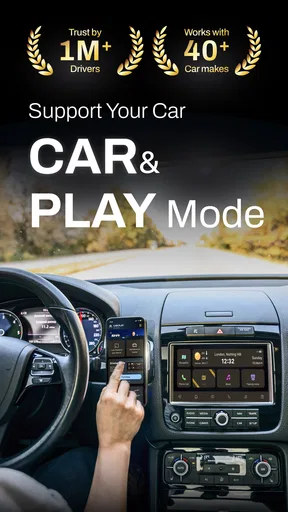
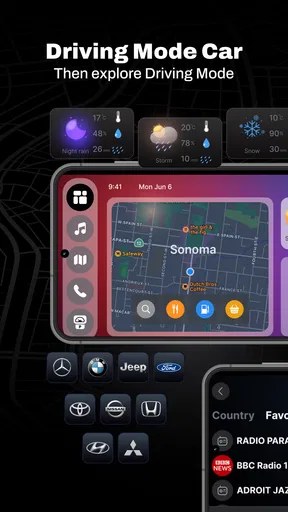
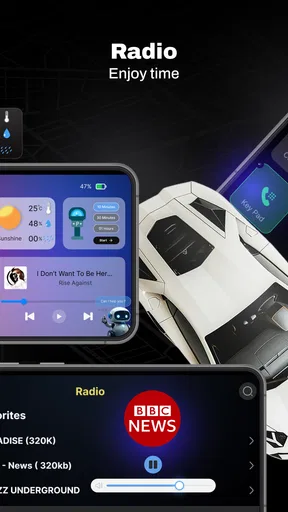
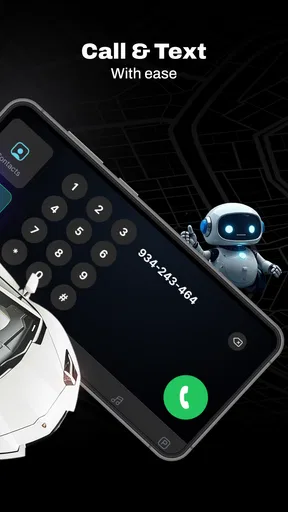
Our Review of CarLink - Car Play Connect
 Analysis by Appyee
Have you ever wished your car's infotainment system was as intuitive and convenient as your smartphone? Well, that's where CarLink: MirrorLink & Car Play steps in, bridging the gap between your car's dashboard and your mobile device. I took it for a spin, literally, and here's what I found.
Seamless Connectivity on the Go
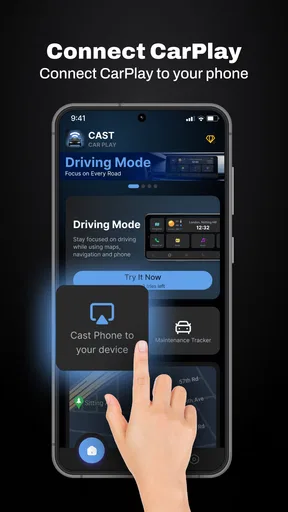
One of the standout features of CarLink: MirrorLink & Car Play is its seamless connectivity. Setting it up was a breeze, and I was pleasantly surprised at how quickly my phone mirrored onto my car's display. Whether you're using Android or iOS, this app promises an easy connection, and it delivers.
The interface is intuitive, allowing you to access your favorite apps, maps, and music directly from your car’s screen. It's like having a tech upgrade without the hefty price tag. All you need is a compatible car and a smartphone, and you're good to go.
Driving with a Personal Assistant
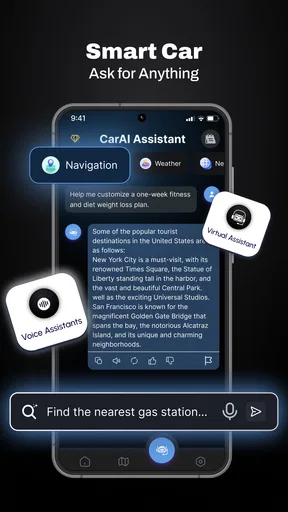
Imagine having a personal assistant during your drives. With voice control features, you can make calls, send texts, or play your favorite tunes without taking your eyes off the road. It's like having Siri or Google Assistant riding shotgun.
One of the cool things I noticed was how responsive the voice commands were. I could ask for directions or change the music without any lag. This feature not only enhances convenience but also adds an extra layer of safety.
Entertainment at Your Fingertips
Gone are the days of fiddling with your phone at stoplights. With CarLink: MirrorLink & Car Play, accessing entertainment is as simple as a tap on your car's screen. Whether you're a Spotify fanatic or an Apple Music devotee, your playlists are just a touch away.
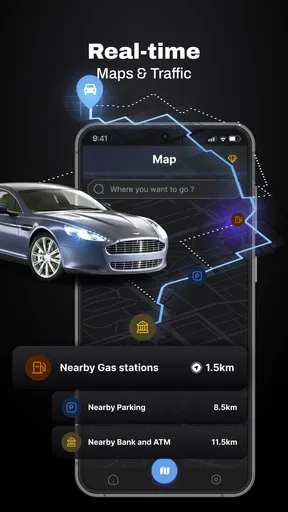
I tried streaming a podcast during my commute, and the sound quality was impressive. The app integrates smoothly with your car’s audio system, providing a rich listening experience. Plus, navigation apps like Google Maps or Waze work flawlessly, ensuring you never miss a turn.
A Few Bumps in the Road
While CarLink: MirrorLink & Car Play is largely impressive, it’s not without its quirks. Occasionally, I experienced minor connectivity hiccups, especially when entering areas with weak signal. However, these were rare and easily resolved by resetting the connection.
Another thing to keep in mind is compatibility. While the app covers a broad range of vehicles, it’s worth double-checking if your car model is supported. A quick visit to the app’s website can save you from any potential frustration.
The Bottom Line
All in all, CarLink: MirrorLink & Car Play offers a modern driving experience that's hard to beat. It effortlessly merges your smartphone's capabilities with your car’s infotainment system, making every drive more enjoyable and connected.
If you’re someone who spends a lot of time on the road and wants to stay connected without compromising safety, this app is definitely worth checking out. It’s like giving your car a smart brain, and honestly, who wouldn’t want that?
So, if you're ready to take your driving experience to the next level, give CarLink: MirrorLink & Car Play a try. You might just find it becomes an essential part of every journey.
Verdict
Strengths of CarLink - Car Play Connect
- Seamless integration with car displays
- Supports both Android and iOS devices
- User-friendly interface
- Wide range of apps supported
- Frequent updates and bug fixes
Limitations of CarLink - Car Play Connect
- Requires compatible car systems
- Occasional connectivity issues
- Limited offline functionality
- Subscription needed for premium features
- In-app ads can be intrusive
Other Releases by CoolDev Co Ltd
View All
Dash Cam Mobile: Driver Record
Auto & Vehicles4.0
Similar Picks in This Category
View All
Android Auto
Google LLC4.1

maxim — order a taxi & food
PT. SITO4.7

Штрафы ГИБДД: проверка с фото
Pays LLC – Штрафы ГИБДД4.7

Номерограм – проверка авто
Авто Ассист4.8

Дром Авто
Дром4.9

Frequently Asked Questions
What is CarLink: MirrorLink & Car Play, and how does it work?
CarLink: MirrorLink & Car Play is an app that allows you to connect your smartphone to your car’s infotainment system, enabling seamless access to your apps, navigation, music, and more. It works by mirroring your phone’s screen on the car’s display, providing a safer and more convenient driving experience.
Is CarLink compatible with all car models and smartphones?
CarLink supports a wide range of car models and smartphones, but compatibility can vary. It’s essential to check if your car’s infotainment system supports MirrorLink or Car Play. Additionally, ensure your smartphone's operating system is compatible. Compatibility details can usually be found on the app’s official website or user guide.
What features does CarLink: MirrorLink & Car Play offer?
CarLink offers a variety of features such as GPS navigation, music streaming, voice commands, and hands-free calling. It also supports popular apps like Spotify, Google Maps, and more, providing a comprehensive and integrated driving experience. The app ensures safer driving by minimizing the need to handle your phone.
Is there a subscription fee or any in-app purchases for CarLink?
CarLink may offer a free version with basic features and a premium version with additional functionalities. Users should check the app store listing for any subscription fees or in-app purchases. The premium version often includes enhanced features such as advanced navigation options and additional app integrations.
How do I troubleshoot common connection issues with CarLink?
If you encounter connectivity issues, first ensure both your phone and car system are updated to the latest software versions. Restarting both devices and reconnecting can often resolve issues. Refer to the app’s support section for troubleshooting tips or contact customer support if problems persist.
